

LulzBot TAZ 4 3D Printer Review
I could not be happier with this printer and I'm kind of kicking myself for not buying one sooner!
 4.9 out of 5 stars!
After fighting for three weeks with a lesser-quality printer and saying thank you to Amazon for letting me return it, I pulled out a lot more cash and bought the LulzBot TAZ 4. This printer is a beast and can print the most delicate details that you can imagine. I actually have fun working with it unlike the other printer. The instructions are very clear to read and in the best English unlike other manuals. I love this printer!
CurtB2The Lulzbot TAZ 4 is a serious 3D Printer!
An Overview
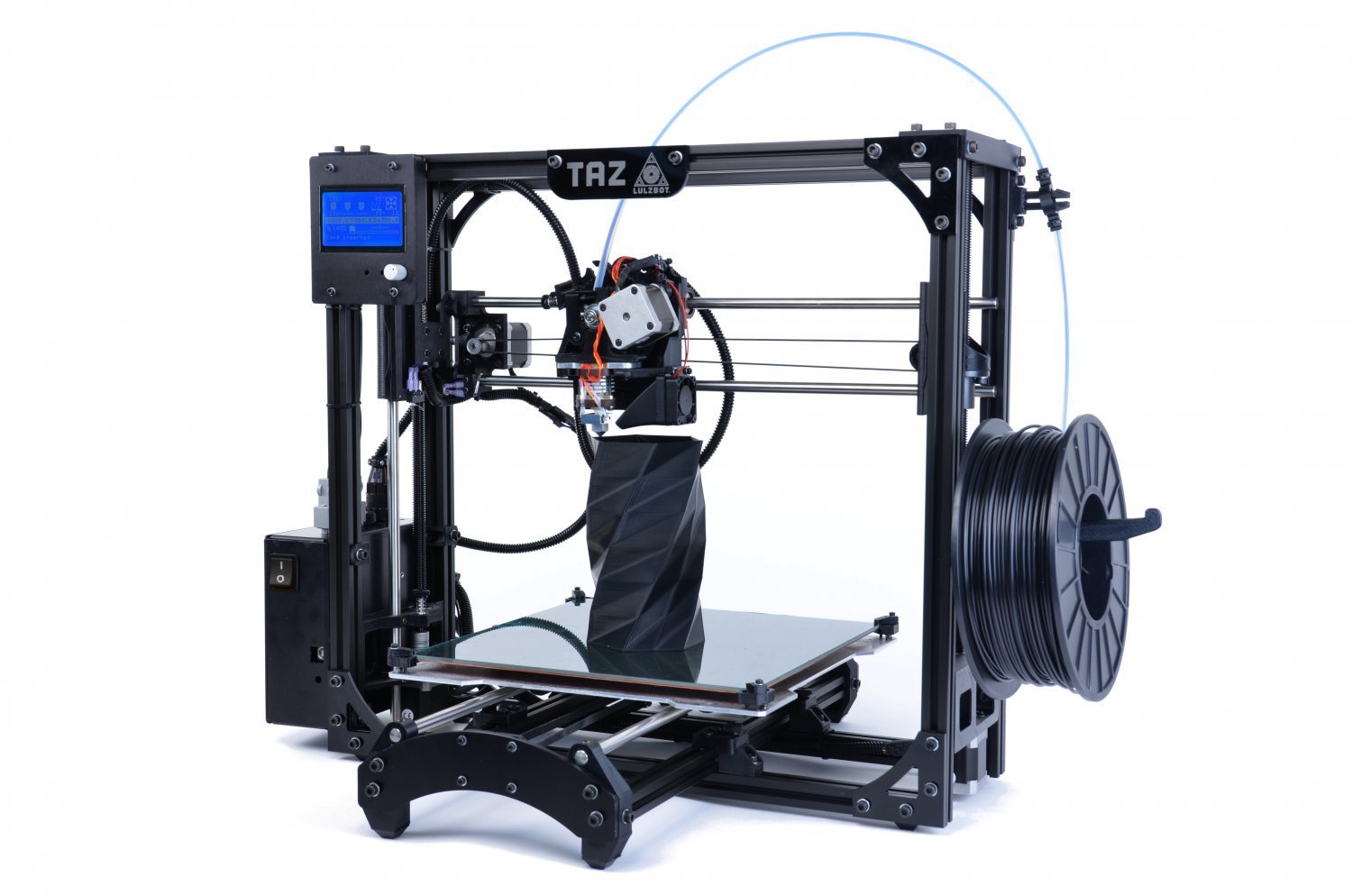
Despite the name, the LulzBot 3D Printer is a force to be reckoned with. The most striking thing about the TAZ 4 is its minimalistic design. It is a bare frame that holds the moving parts and the build platform. But what it lacks in physical bulk, it makes up in terms in all the available features including a sizable build platform to accommodate models of all shapes and sizes. The settings and controls are more advanced to handle complicated designs. You also have the option to crank it up to a higher resolution for models that require precise moving parts. This, along with fast printing times, has earned the LulzBot 3D Printer the Bronze Award for Top Ten Reviews.
You’ll have relatively few problems when using the TAZ 4 3D Printer as a beginner. It offers more advanced options for experienced users. The printer has an LCD screen that displays the temperature reading allowing you to know if the printer is ready to do its job. The print area measures 10 x 11 x 12 inches, allowing users to print in bigger formats as well as everyday household objects. In terms of printing speed and resolution, this printer blows most of the competition away, but it still isn’t the best. It can reach printing speeds of up to 200 mm/sec at a resolution of 0.075 mm. This is thinner than a normal sheet of paper. Very impressive. Some higher priced desktop 3D printers are able to print as fine as .05mm or about 50 microns.
Filament and Cartridges
This 3D printer is compatible with different 3mm ABS or PLA filaments. It can accept both Lulzbot cartridges as well as universal cartridges. The cartridges are set securely at the printer’s side by a hook system, making it easy to load the filament is easy to load. One limitation, however, is that this printer only has one standard print head. This means that it can only print one color at a time. It has also been found to be prone to occasional nozzle clogging. This can be solved by regular cleaning and frequent filament replacements.
Design and Specifications
Just like other desktop 3D printers in the market today, this Lulzbot printer requires little assembly. No assistance is required, unless you’re not tech-savvy or have a hard time reading instructions on the manual, in setting up both the print bed and the extruder. It is actually good for the user to set up his printer so that he can familiarize himself with its internal mechanisms.
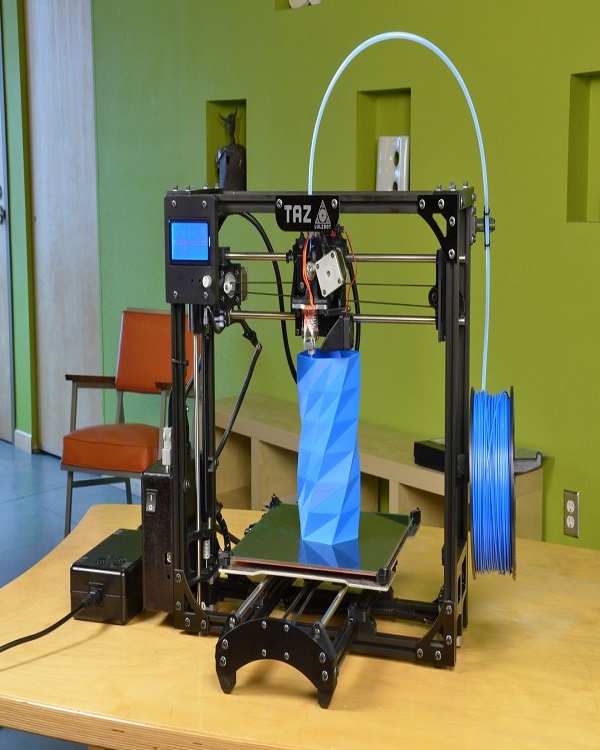
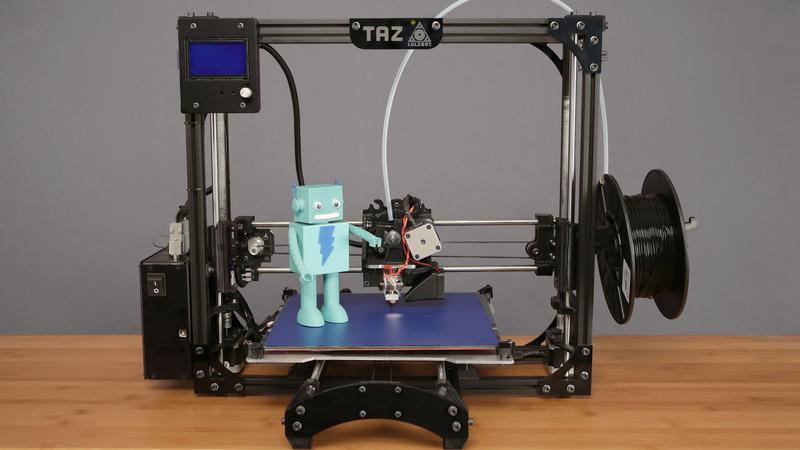
The frame is of a minimalist design yet quite sturdy in its steel and aluminum construction. It is stable enough not to shake or move during printing. What’s also neat about the TAZ 4 is that most of its accessories are also 3D printed as well. So should you decide to replace the attachment and print one with a different color, you may do so as well. Despite the relatively light materials in its construction, the 3D Printer TazBot is still quite heavy at 25 pounds. At dimensions of about 20 x 20 x 27 inches, this printer is clearly not one that you want to be lugging with you on-the-go. Although, a quick transfer from one office room to another is easy enough to manage with this unit.
The cooling fans built into the unit emit a loud purr, much like what laptops make when they are overheated. These fans are critical to project success though as even cooling prevents warping and other printing problems. The accompanying LCD display allows convenient viewing of temperature and settings. The dial beside it allows the user to directly change printing settings on the unit.
Power requirements are 100-240 VAC. The optimal operating temperature can reach 240 ºC (464 ºF). The heated bed, on the other hand, can reach 120 ºC (248 ºF). Thus, care should be taken when handling the newly printed model. The model should be given time to completely cool down before it can be taken out from the print area.
Help and Support
The package comes with comprehensive and clearly written instructions in the user manual. From assembly to troubleshooting, Lulzbot has provided materials with quality that can match the LulzBot Printer itself. The extensively written handbook comes with illustrations to make the assembly process easy. The manual also shows instructions on calibrating the printer, navigating through its digital features, and using the software that comes with the printer. An online forum is also available in case there are other problems not covered by FAQs or the manual. Users can join the chat sessions to interact with other users and find the best solution to work around their printer issues.
Lulzbot can also link users directly to technical representatives for heavier problems. The company has both phone and email customer service portals where you can get a snappy response on your inquiries. The TAZ 4 also comes with a 90-day warranty that covers any mechanical malfunctions or defects on the unit. Most of the other brands of similar printers offer a similar warranty period.
Connectivity and Compatibility
Printing with the TAZ 4 using your PC via USB cable is quick and reliable. It comes with a packaged software that allows you to monitor the printing status in real time. You also have the option to use an SD card on your printer so you do not need to have it hooked up to a PC or computer to print. You can simply load, plug, and print from the printer itself. You can also pause a print job with just a push of button. However, this printer takes a few moments to load the print job on resume.
Compatibility is not a problem since this printer works well with the three most popular operating systems. Aside from the Windows OS, this printer can also run in Mac and Linux OS.
Out of the Box
This unit assembles quickly off the box as its main unit is packaged intact. All you need to do is to attach several accessories. In the box are the power cables and the filament cartridge. It also comes with a tool bag with everything that you need to put your unit together. The kit arrives bundled with an X-Acto knife, a screwdriver set, and a wire brush.
There is no specific design and print software that is required for the Lulzbot. You can use programs like the online Printrun that allows you to control printer settings including position, fill, heat, and speed.
The TAZ 4 is the perfect balance of efficiency and affordability. Despite its price tag, it’s other robust features trumps competing 3D printers that offer the same value.
LulzBot TAZ 4 Pictures
Add To Cart
LulzBot TAZ 4 Video Gallery